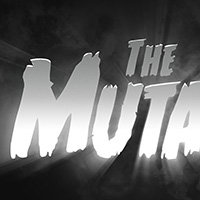
 This tutorial is inspired by the kooky and downright awesome titles from the 1940s / 1950s B-Movies. In this walkthrough we’ll be using type, compositing and processing techniques to create a creepy logo – loosely based on the ‘The Thing From Outer Space’ (1951) title sequence. Read more
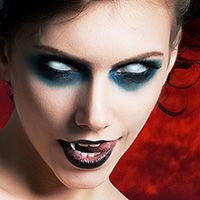 In macabre and horror, there’s nothing quite like those white, vacant dead eyes. I love this look, and would argue it’s my most frequently used horror effect in Photoshop. With this revised walkthrough, you can produce realistic, glossy white eyes in just a few simple steps. Read more
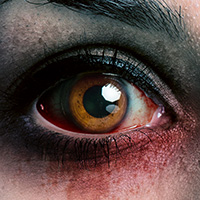 For the final installment of this years Terror Season, we have a grisly bloodshot eye effect, which is certain to add serious menace to any horror photomanipulation!! Read more
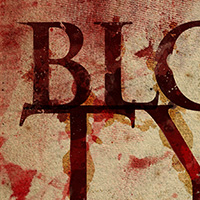 In this walkthrough, we’ll create a haggard looking ‘blood’ type effect, which looks great as a standalone piece, or as a title for your Horror / Macabre works. Read more
 Many would argue that the 1980s was the golden era of the Horror Movie, with the VHS boom allowing genre directors to bring their low-budget splatter-fests to a hungry international audience. It was a decade where the cheap ‘slasher’ movie flourished, and the success of a feature was often dependent on it’s eye catching cover art. In part two of this years TERROR SEASON, we pay homage to the glory days of VHS Horror Art. Read more
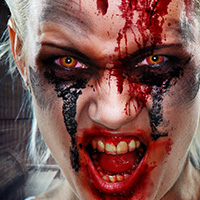 We are very excited to kick off a brand new TERROR SEASON for 2013, in celebration of Halloween. 4 weeks, 4 brand new Horror Tutorials!! To get things started, we have a deliciously vicious Rage Virus walkthrough, inspired by the infected ‘sprinters’ from the 28 Days Later franchise. Read more
Blurring the lines between p hoto manipulation and traditional art has never been more fun! With this tutorial, you will learn a few tricks on how to convert your ordinary stock into painterly works of art. Read more
 It’s a great thing that myths and fairytales can prevail in this digital age. For the final installment of our ‘4 Weeks of Terror’ tutorial series, we will be visiting the elusive Slenderman – a more recent spectre in the global gallery of horrors. Read more
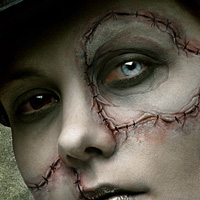 Welcome to Part 3 of our 4 Weeks of Terror tutorial series, in which we’ll create torn flesh effects with basic digital painting techniques. My Wacom tablet has been gathering dust in the wardrobe for a couple of years now, so it’s great fun putting it to good use again. Read more
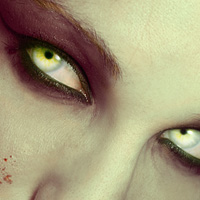 For part two of our ‘4 Weeks of Terror photoshop tutorial series, we’ll be creating realistic evil eyes with a luminous glow. Read more
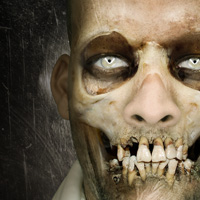 As the mystic season approaches, we celebrate communion with the dead in grisly style.. 4 Weeks of Terror!! This is the first walkthrough in our Halloween Photomanipulation mini-series; a ghoulish skullface effect created using layer masks and blend modes. Read more
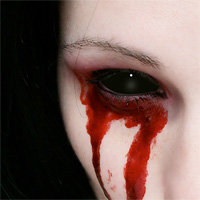 Demons come in many guises, and in some cases they have black glossy eyes. Fortunately, this is a straightforward effect to replicate in Photoshop Read more
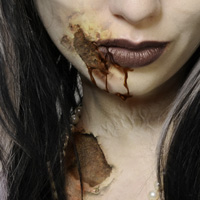 For the final installment of Photoshop Zombie, we will be upping the horror-factor with the creation of flesh wounds and blood. By using textures we can replicate torn skin, crust and gouge marks, but it’s definitely an exercise in subtlely. Read more
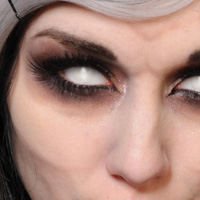 In this installment of Photoshop Zombie, we will be working on the bone-structure of the model, bringing out skeletal features using simple lighting techniques. Read more
 Zombifiying people in Photoshop is ridiculously good fun, there’s no doubt about it. In this new series of tutorials I will guide you through the various steps for creating top-tier Photoshop Zombies. Read more
Find Us On: